
To log in to Aco96 casino, open aco96aus.com, tap the Login button, and enter the mobile number or username used at registration together with your password of 6-20 characters - the dashboard then loads without a page refresh on both desktop and mobile. A single sign-in unlocks the full account: the 1,000+ game lobby, the AUD cashier for deposits from AUD 3 and withdrawals from AUD 30, all promotions, and the referral tools. This page covers the login steps, how to register if you do not yet have an account, password recovery, secure sign-in habits and the fixes for common login problems.
The Aco96 login is designed for a mobile-first flow, using a phone number rather than a long form, so returning to the account is quick from any device. Security still matters, so the sections below also cover keeping the account protected.
The table below summarises the Aco96 casino login essentials.
| Login essential | Details |
|---|---|
| Where to log in | aco96aus.com - Login button |
| Login credentials | Mobile number or username + password |
| Password length | 6-20 characters |
| Device support | Desktop and mobile browser |
| Password reset | Available from the login screen |
| Currency | AUD |
| When verification appears | Usually before a first withdrawal |
| Support | 24-hour live chat |
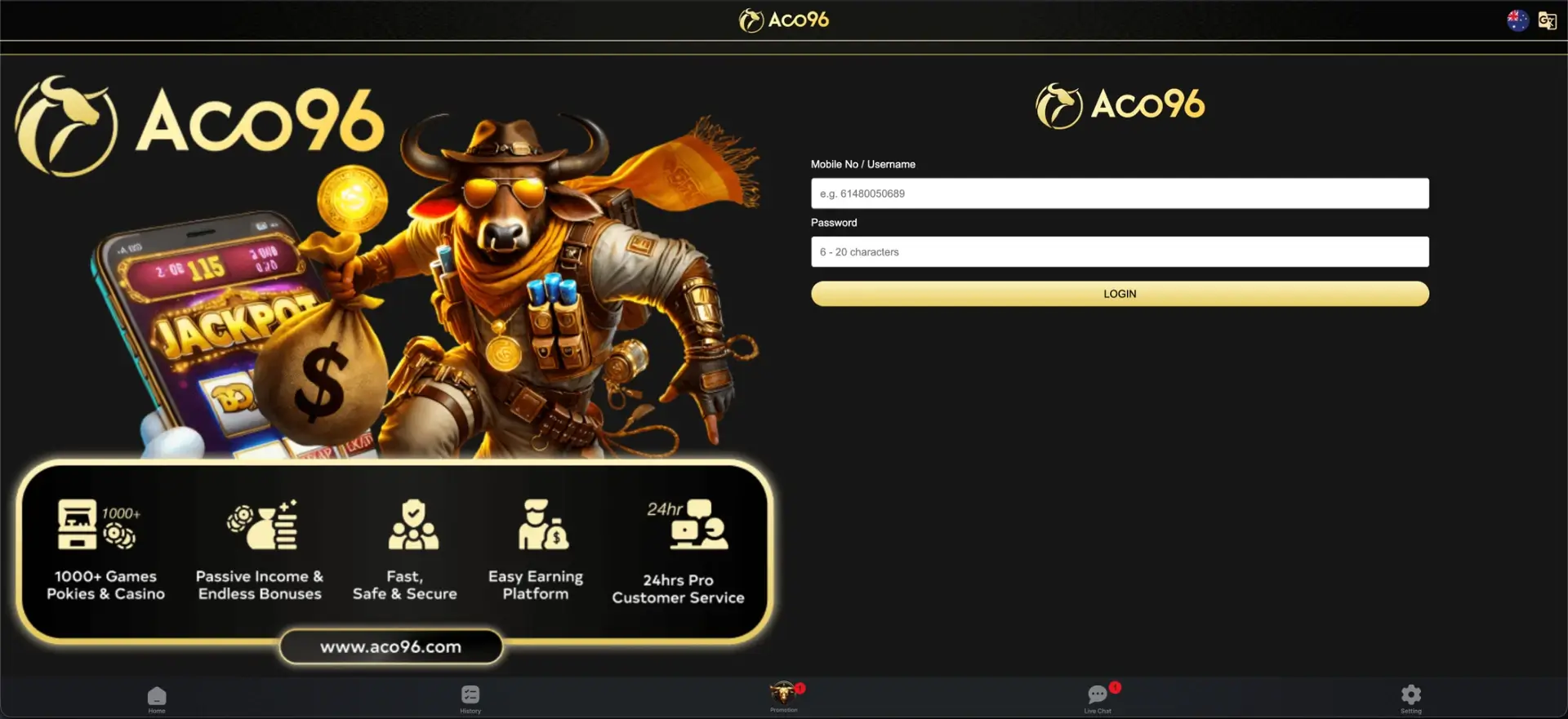
How to log in to Aco96 casino
Signing in takes only a few seconds once an account exists, and the same steps work across desktop and mobile browsers. There is no app to install first.
The step-by-step login is set out below.
Step-by-step login
Follow these steps to reach the account dashboard.
- Open aco96aus.com in your browser.
- Tap the Login button.
- Enter the mobile number or username used at registration.
- Type your password - it is case-sensitive and 6-20 characters long.
- Submit and wait for the lobby to load without refreshing the page.
After signing in, the balance shows in AUD alongside the Deposit and Withdraw buttons, and the bottom navigation gives access to Home, History, Promotion, Live Chat and Setting.
Creating an Aco96 account
Players without a profile need to register before the login works, and the sign-up flow is short. It uses a mobile number rather than a lengthy form.
The quick registration flow runs as follows.
- Open aco96aus.com and select the sign-up option.
- Enter an Australian mobile number and set a password of 6-20 characters.
- Confirm the account and set responsible-play limits that suit your budget.
- Make a first deposit from AUD 3 to activate the welcome offer.
Once registered, the same mobile number or username and password are used for every future Aco96 login.
Password recovery
Forgetting a password does not lock a player out permanently, since a reset is available from the login screen. Keeping the registered mobile number current makes recovery quicker.
The reset steps are as follows.
- On the login screen, select the password reset option.
- Confirm your identity using the registered mobile number.
- Follow the prompts to set a new password of 6-20 characters.
- Return to the login screen and sign in with the new details.
Storing the new password in a password manager avoids repeat resets and keeps the credentials secure.
Secure login practices
A few habits keep an Aco96 account protected without slowing down sign-in. They matter most on shared or public devices.
The practices below help keep access secure.
- Use a strong, unique password and store it in a password manager.
- Avoid signing in over public Wi-Fi where possible.
- Log out on shared or borrowed devices after each session.
- Keep the registered mobile number up to date for recovery.
- Do not share login details with anyone.
If unfamiliar activity ever appears on the account, changing the password and contacting live chat straight away is the safest response.
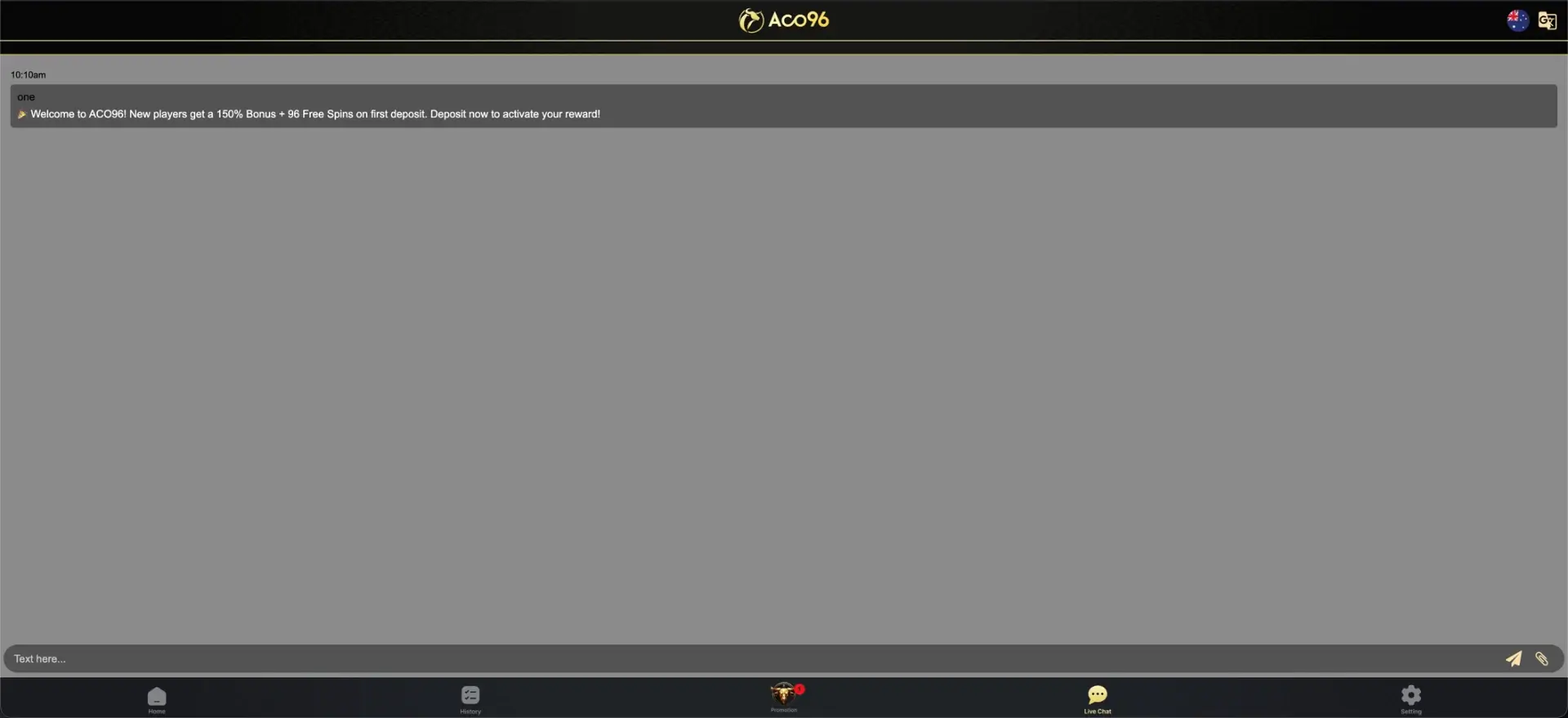
Troubleshooting Aco96 login problems
Most login issues have a quick fix and rarely need support. The three most common causes are covered below.
Incorrect credentials
If the login is rejected, the most likely cause is a typo or an outdated password. Re-enter the mobile number or username carefully, check for accidental spaces, and use the password reset option if the details still fail.
Browser or cache issues
If the login page loads but the form does not respond, the browser may be holding stale data. Clearing the cache and cookies, disabling script-blocking extensions, or trying a different browser usually resolves it.
Page not loading or connection problems
If the site itself will not open, switching between Wi-Fi and mobile data, reloading the page, or using the backup domain listed in the footer can restore access. A stable connection also keeps live tables and the cashier responsive after sign-in.
What you access after login
A successful Aco96 login opens the full account rather than a limited view, so everything is reachable from one dashboard. The main sections are listed below.
After signing in, players can reach the following.
- The full 1,000+ game lobby, including pokies, tables, live rooms and sport.
- The AUD cashier for deposits from AUD 3 and withdrawals from AUD 30.
- All promotions, Event Free games and the welcome offer.
- The referral and Downline tools for the weekly commission programme.
- Transaction history and account settings, including responsible-play limits.
The same dashboard is available on mobile through the browser, with the bottom navigation replacing the desktop menu.
Account verification after login
Signing in does not require verification, but Aco96 usually requests identity documents before releasing a first withdrawal. Completing this KYC step early - a photo ID, proof of address and proof of payment method - means a payout is not held up later while checks are run.
Mobile login
The Aco96 login works the same way in the mobile browser as on desktop, using the mobile number or username and password. Adding the site to the home screen creates a shortcut that opens straight to the login, giving an app-like entry point without an install, and the bottom navigation keeps every account area within one tap after signing in.
Aco96 casino login FAQ
The most common questions about the Aco96 casino login are answered below.
How do I log in to Aco96 casino?
Open aco96aus.com, tap Login, and enter the mobile number or username used at registration with your password of 6-20 characters. The dashboard then loads without refreshing the page.
What do I use to sign in to Aco96?
Aco96 uses a mobile number or username together with a password. There is no separate email login, and the same credentials work on desktop and mobile.
I forgot my Aco96 password - what should I do?
Use the password reset option on the login screen, confirm your identity with the registered mobile number, and set a new password of 6-20 characters before signing in again.
Why can't I log in to Aco96 casino?
The usual causes are a typo or outdated password, a browser holding stale cache data, or a connection problem. Re-entering the details, clearing the cache, or switching networks resolves most cases.
Do I need to verify my account to log in?
No. Verification is not needed to sign in, but Aco96 generally requests identity documents before a first withdrawal, so completing KYC early avoids delays later.
Can I log in to Aco96 on mobile?
Yes. The login works in the mobile browser with the same credentials as desktop, and the site can be added to the home screen for a faster, app-like entry point.
Responsible gambling
Aco96 is for adults aged 18 and over. Set a firm entertainment budget, never chase losses and check the current official terms before depositing or claiming an offer.